

E-Signature API Integration: Best Practices & Code Examples
Learn how to integrate e-signature workflows into your application. Complete guide with REST API examples, webhooks, error handling, and security best practices.
David Park
Senior Developer
E-Signature API Integration: Best Practices & Code Examples
Integrating e-signatures into your application shouldn't be complicated. Whether you're building a contract management system, HR portal, or custom business application, this guide shows you how to implement bulletproof e-signature workflows.
API Architecture Overview
RESTful Design Principles
Space Sign's API follows REST best practices:
**Base URL:** https://api.spacesign.com/v1
Authentication: Bearer tokens
1Authorization: Bearer YOUR_API_KEYResponse Format: JSON
1{
2  "status": "success",
3  "data": { ... },
4  "meta": { ... }
5}
Core Integration Workflows
1. Send a Document for Signature
Basic Flow:
Code Example (Node.js):
1const SpaceSign = require('@spacesign/sdk');
2
3const client = new SpaceSign({ apiKey: process.env.SPACESIGN_API_KEY });
4
5async function sendContract() {
6  try {
7    // Step 1: Upload document
8    const document = await client.documents.upload({
9      file: './contract.pdf',
10      title: 'Employment Agreement - John Doe'
11    });
12
13    // Step 2: Add signers
14    const envelope = await client.envelopes.create({
15      documentId: document.id,
16      signers: [
17        {
18          email: 'john.doe@example.com',
19          name: 'John Doe',
20          role: 'Employee',
21          order: 1
22        },
23        {
24          email: 'hr@company.com',
25          name: 'Jane Smith',
26          role: 'HR Manager',
27          order: 2
28        }
29      ]
30    });
31
32    // Step 3: Add signature fields (or use AI auto-tag)
33    await client.envelopes.addFields(envelope.id, {
34      fields: [
35        {
36          type: 'signature',
37          signer: 'john.doe@example.com',
38          page: 1,
39          x: 100,
40          y: 500,
41          width: 200,
42          height: 50
43        },
44        {
45          type: 'date',
46          signer: 'john.doe@example.com',
47          page: 1,
48          x: 100,
49          y: 550
50        }
51      ]
52    });
53
54    // Step 4: Send envelope
55    const sent = await client.envelopes.send(envelope.id, {
56      message: 'Please review and sign your employment agreement.',
57      subject: 'Action Required: Employment Agreement'
58    });
59
60    console.log(`Envelope sent! ID: ${sent.id}`);
61    return sent;
62
63  } catch (error) {
64    console.error('Error sending contract:', error);
65    throw error;
66  }
67}
2. AI-Powered Auto-Tagging
Skip manual field placement - let AI do it:
1async function sendWithAutoTag() {
2  const document = await client.documents.upload({
3    file: './contract.pdf',
4    title: 'Sales Agreement'
5  });
6
7  // AI automatically detects signature locations
8  const analysis = await client.ai.analyzeDocument(document.id);
9
10  const envelope = await client.envelopes.create({
11    documentId: document.id,
12    signers: [{ email: 'client@example.com', name: 'Client Name' }],
13    autoTag: true  // Magic happens here
14  });
15
16  await client.envelopes.send(envelope.id);
17}
3. Embedded Signing
Integrate signing directly into your app:
1async function getSigningURL() {
2  const envelope = await client.envelopes.create({ /* ... */ });
3
4  // Generate embedded signing URL
5  const signingSession = await client.envelopes.createSigningSession(
6    envelope.id,
7    {
8      signerEmail: 'john.doe@example.com',
9      returnUrl: 'https://yourapp.com/signing-complete',
10      expiresIn: 3600  // 1 hour
11    }
12  );
13
14  return signingSession.url;
15  // Redirect user to this URL or embed in iframe
16}
Frontend Implementation:
1<iframe
2  src="{{signingUrl}}"
3  width="100%"
4  height="600"
5  allow="camera; microphone"
6></iframe>
Webhook Event Handling
Setting Up Webhooks
Register webhook endpoint:
1await client.webhooks.create({
2  url: 'https://yourapp.com/webhooks/spacesign',
3  events: [
4    'envelope.sent',
5    'envelope.delivered',
6    'envelope.signed',
7    'envelope.completed',
8    'envelope.declined',
9    'envelope.expired'
10  ],
11  secret: 'your-webhook-secret'
12});
Webhook Handler (Express.js)
1const express = require('express');
2const crypto = require('crypto');
3
4const app = express();
5app.use(express.json());
6
7// Verify webhook signature
8function verifyWebhookSignature(payload, signature, secret) {
9  const hash = crypto
10    .createHmac('sha256', secret)
11    .update(JSON.stringify(payload))
12    .digest('hex');
13
14  return crypto.timingSafeEqual(
15    Buffer.from(signature),
16    Buffer.from(hash)
17  );
18}
19
20app.post('/webhooks/spacesign', async (req, res) => {
21  const signature = req.headers['x-spacesign-signature'];
22
23  // Verify authenticity
24  if (!verifyWebhookSignature(req.body, signature, process.env.WEBHOOK_SECRET)) {
25    return res.status(401).send('Invalid signature');
26  }
27
28  const { event, data } = req.body;
29
30  switch (event) {
31    case 'envelope.completed':
32      await handleEnvelopeCompleted(data);
33      break;
34
35    case 'envelope.signed':
36      await handleEnvelopeSigned(data);
37      break;
38
39    case 'envelope.declined':
40      await handleEnvelopeDeclined(data);
41      break;
42  }
43
44  res.status(200).send('OK');
45});
46
47async function handleEnvelopeCompleted(data) {
48  console.log(`Envelope ${data.envelopeId} completed!`);
49
50  // Download signed document
51  const pdf = await client.envelopes.downloadDocument(data.envelopeId);
52
53  // Update your database
54  await db.contracts.update({
55    id: data.metadata.contractId,
56    status: 'signed',
57    signedDocumentUrl: pdf.url
58  });
59
60  // Trigger next workflow
61  await triggerOnboarding(data.metadata.employeeId);
62}
Error Handling Best Practices
Implement Retry Logic
1async function sendWithRetry(envelope, maxRetries = 3) {
2  for (let i = 0; i < maxRetries; i++) {
3    try {
4      return await client.envelopes.send(envelope.id);
5    } catch (error) {
6      if (error.code === 'RATE_LIMIT_EXCEEDED') {
7        // Exponential backoff
8        await sleep(Math.pow(2, i) * 1000);
9        continue;
10      }
11
12      if (error.code === 'VALIDATION_ERROR') {
13        // Don't retry validation errors
14        throw error;
15      }
16
17      if (i === maxRetries - 1) throw error;
18    }
19  }
20}
Handle Common Errors
1try {
2  await client.envelopes.send(envelopeId);
3} catch (error) {
4  switch (error.code) {
5    case 'INVALID_EMAIL':
6      return { error: 'Please check signer email address' };
7
8    case 'DOCUMENT_NOT_FOUND':
9      return { error: 'Document has been deleted' };
10
11    case 'INSUFFICIENT_CREDITS':
12      return { error: 'Please upgrade your plan' };
13
14    case 'RATE_LIMIT_EXCEEDED':
15      return { error: 'Too many requests. Try again in a minute' };
16
17    default:
18      // Log unexpected errors
19      logger.error('Unexpected API error:', error);
20      return { error: 'Something went wrong. Please try again' };
21  }
22}
Security Best Practices
1. Protect API Keys
NEVER commit API keys to version control:
1// ❌ BAD
2const client = new SpaceSign({
3  apiKey: 'sk_live_abc123...'
4});
5
6// ✅ GOOD
7const client = new SpaceSign({
8  apiKey: process.env.SPACESIGN_API_KEY
9});
Use different keys for environments:
sk_test_...sk_live_...2. Implement Rate Limiting
1const rateLimit = require('express-rate-limit');
2
3const apiLimiter = rateLimit({
4  windowMs: 60 * 1000, // 1 minute
5  max: 60, // 60 requests per minute
6  message: 'Too many requests from this IP'
7});
8
9app.use('/api/signatures', apiLimiter);
3. Validate Webhook Signatures
Always verify webhooks come from Space Sign:
1// See webhook handler example above
2if (!verifyWebhookSignature(payload, signature, secret)) {
3  return res.status(401).send('Unauthorized');
4}
4. Use HTTPS Only
1// Enforce HTTPS in production
2if (process.env.NODE_ENV === 'production') {
3  app.use((req, res, next) => {
4    if (!req.secure) {
5      return res.redirect('https://' + req.headers.host + req.url);
6    }
7    next();
8  });
9}
Performance Optimization
1. Batch Operations
Instead of sending documents one-by-one:
1// ❌ Slow (sequential)
2for (const employee of employees) {
3  await sendContract(employee);
4}
5
6// ✅ Fast (parallel)
7await Promise.all(
8  employees.map(employee => sendContract(employee))
9);
2. Cache Frequently Accessed Data
1const NodeCache = require('node-cache');
2const cache = new NodeCache({ stdTTL: 600 }); // 10 minutes
3
4async function getTemplate(id) {
5  const cached = cache.get(`template:${id}`);
6  if (cached) return cached;
7
8  const template = await client.templates.get(id);
9  cache.set(`template:${id}`, template);
10  return template;
11}
3. Use Webhooks Instead of Polling
1// ❌ BAD: Poll for status
2setInterval(async () => {
3  const status = await client.envelopes.getStatus(envelopeId);
4  if (status === 'completed') {
5    // do something
6  }
7}, 5000);
8
9// ✅ GOOD: Use webhooks
10// Webhook automatically notifies when completed
Testing Your Integration
Unit Tests
1const nock = require('nock');
2
3describe('SpaceSign Integration', () => {
4  it('should send envelope successfully', async () => {
5    // Mock API response
6    nock('https://api.spacesign.com')
7      .post('/v1/envelopes')
8      .reply(200, {
9        status: 'success',
10        data: { id: 'env_123', status: 'sent' }
11      });
12
13    const result = await sendContract();
14    expect(result.status).toBe('sent');
15  });
16
17  it('should handle rate limit errors', async () => {
18    nock('https://api.spacesign.com')
19      .post('/v1/envelopes')
20      .reply(429, { error: 'Rate limit exceeded' });
21
22    await expect(sendContract()).rejects.toThrow('Rate limit');
23  });
24});
Integration Tests
Use test mode API keys for safe testing:
1const client = new SpaceSign({
2  apiKey: process.env.SPACESIGN_TEST_KEY,
3  testMode: true
4});
Monitoring & Logging
Track API Usage
1const client = new SpaceSign({
2  apiKey: process.env.SPACESIGN_API_KEY,
3  onRequest: (config) => {
4    logger.info('API Request:', {
5      method: config.method,
6      url: config.url,
7      timestamp: new Date()
8    });
9  },
10  onResponse: (response) => {
11    logger.info('API Response:', {
12      status: response.status,
13      duration: response.duration
14    });
15  }
16});
Error Monitoring
Integrate with Sentry or similar:
1const Sentry = require('@sentry/node');
2
3client.on('error', (error) => {
4  Sentry.captureException(error, {
5    tags: {
6      integration: 'spacesign',
7      endpoint: error.endpoint
8    }
9  });
10});
Conclusion
Building robust e-signature integrations requires:
✅ Proper error handling
✅ Webhook implementation
✅ Security best practices
✅ Performance optimization
✅ Comprehensive testing
Follow these patterns, and you'll have a production-ready integration that scales.
*Need help with your integration? Join our developer community or request technical support.*
Ready to Try Space Sign?
Experience the power of enterprise-grade, AI-powered e-signatures.
Read Next
Continue exploring related topics

Enterprise Kubernetes Deployment Guide for Space Sign
Advanced guide to deploying Space Sign on Kubernetes with high availability, auto-scaling, and zero-downtime updates. Includes Helm charts and production best practices.
Complete Guide: Self-Host Your E-Signature Platform with Docker
Step-by-step tutorial to deploy Space Sign on your own infrastructure in under 10 minutes. Perfect for organizations requiring full data control and GDPR compliance.
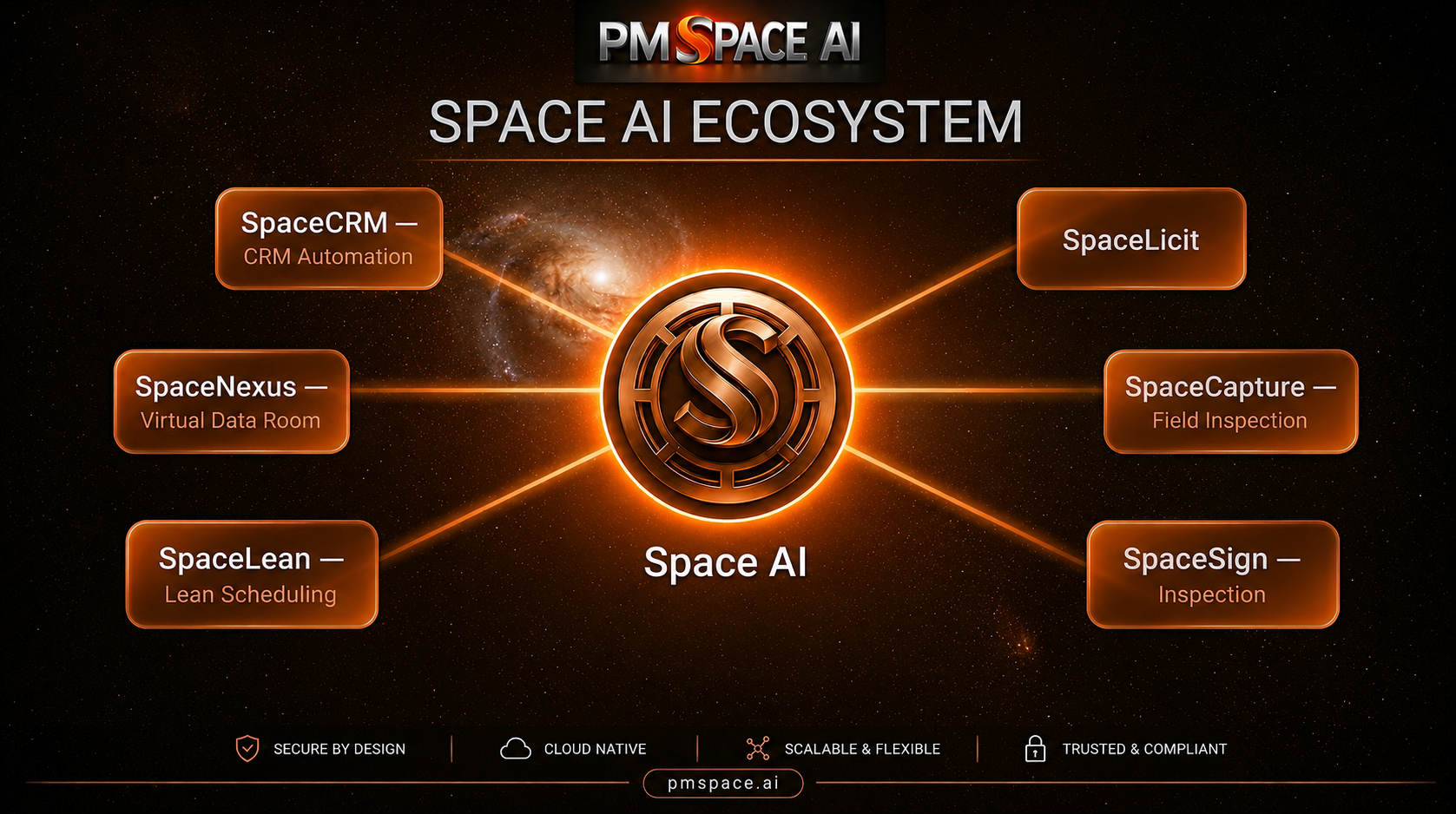
Beyond Construction Intelligence: The Ecosystem Powering the Future of Construction Management
Explore how the SPACE AI ecosystem connects planning, execution, workforce management, customer engagement, and business intelligence through AI.